Adding Shared Mailbox in Outlook
Last updated: Apr 13, 2026
1675
views

Desktop Version of Outlook:
If you are using the desktop version of Outlook, the mailbox should appear at the bottom of your inbox. If it does not appear immediately, please close and reopen Outlook.
Web Version of Outlook:
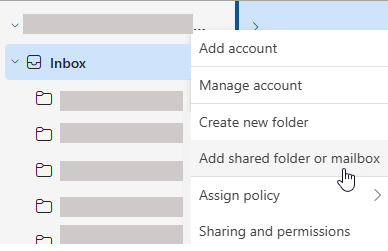
- In the Folder pane, right-click your account name, and select Add shared folder or mailbox.
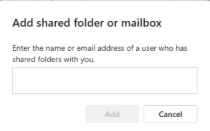
- In the Add shared folder or mailbox window, type the name of the mailbox you want to access.